Desktop covered in icons. Seventeen tabs from yesterday. Downloads folder full of unnamed files. Notifications from three different chat apps. You open the computer and already feel behind.
None of that is a content problem. It is a surface problem.
Space & Systems / Card lesson
Clean up the digital room so your devices stop recreating the same chaos as your desk.
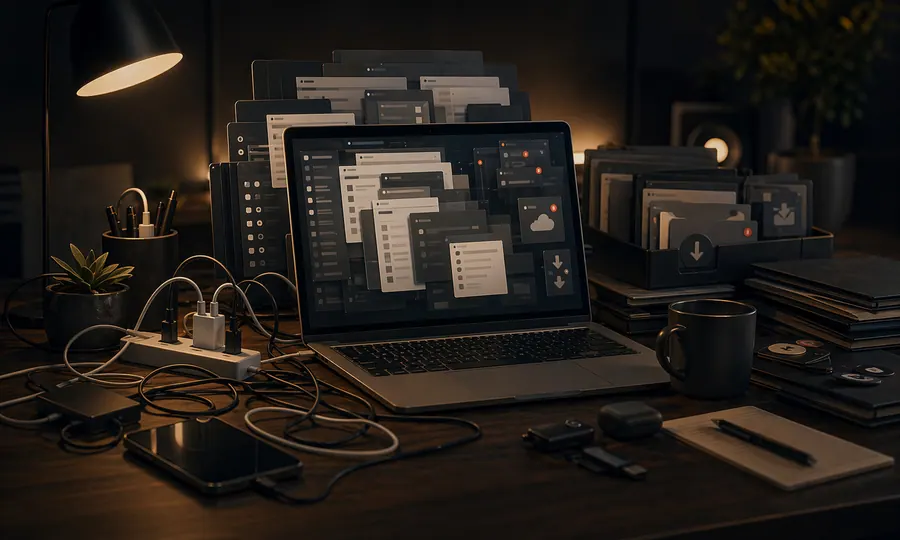
Desktop covered in icons. Seventeen tabs from yesterday. Downloads folder full of unnamed files. Notifications from three different chat apps. You open the computer and already feel behind.
None of that is a content problem. It is a surface problem.
Sophie Leroy's 2009 research on attention residue showed that every unresolved task or incomplete surface keeps pulling at working memory. Open tabs, red badges, and loose files each ask for a small judgment. One is cheap. Fifty before 9 AM is how a laptop starts to feel like a second job.
Cal Newport's Digital Minimalism argument applies here: most digital chaos improves when you decide what the active surfaces actually are. One inbox. One task list. One notes home. One place for files in progress. If you do not decide, every session restarts from chaos.
Quick check
Try this
Set a timer. Do five moves only: close unused tabs, move loose files out of Downloads, clear the desktop, archive or reply to obvious messages, rename anything you will need later. Ten minutes on a fixed list goes much further than an open-ended cleanup.
Try this
Choose one folder for screenshots, one for documents in progress, and one for finished files. Tiago Forte's Building a Second Brain makes this point: if every file picks a new home each session, you spend attention on location problems instead of work.
Try this
Before you finish for the day, write the next file, next tab, or first move tomorrow. That single note cuts the reboot cost the next morning.
Key idea
Fewer active surfaces. A short fixed reset. Clear homes for recurring things.
The digital workspace does not need to be elegant. It just needs to stop costing attention before the work starts.