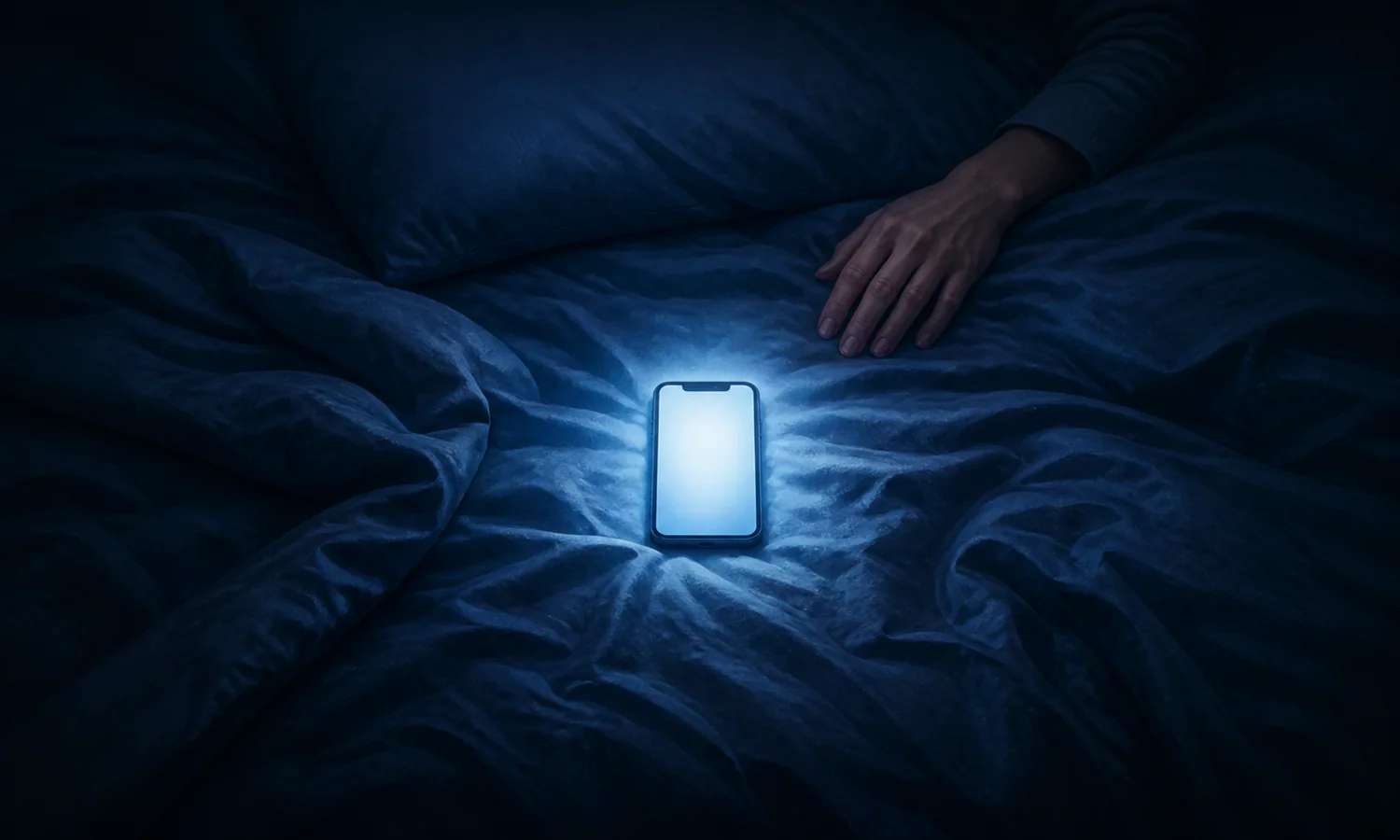
Then one clip became another. Now the phone is still on and bedtime has moved.
You meant to check one thing
Screen light delays the sleep signal
Berson et al. (2002, Science) identified specialized photoreceptors in the eye that send light information directly to the brain's circadian clock. Chang et al. (2015, PNAS) showed that light-emitting eReader use before bed delayed melatonin onset, pushed back sleep, and reduced morning alertness compared to print reading. The mechanism is direct: bright screen light tells the clock to stay in daytime mode a little longer.
Every swipe opens another branch
A new clip, message, or headline gives the brain one more place to go. Kroese et al. (2014) linked this kind of delay to bedtime procrastination: going to bed later when nothing outside you is stopping it.
Quick check
Night light check
Late-night scrolling often feels like reclaiming time
Kroese et al. (2014) defined bedtime procrastination as going to bed later than intended when nothing external prevents it. Their survey linked the pattern with self-reported insufficient sleep, but it did not prove that one motive explains every late night.
Try this
Name the job before you unlock
Before opening your phone, say the task out loud: one message, one weather check, one article. Do that task only. Then lock the screen. Naming the job first interrupts the reflex chain before it starts.
Try this
Move the alarm job away from the pillow
If the phone is your alarm, place it across the room. If you already own another alarm, use it. The point is distance, not buying gear.
Try this
Set grayscale and Do Not Disturb 60 minutes before bed
Grayscale removes color and Do Not Disturb removes most alerts. Together they make the phone quieter before you are tired enough to slip into automatic scrolling.
Try this
Move the bait off the home screen
Put social apps, news, and video in a folder on the second page tonight. Log out of the most automatic one. The extra step gives you a moment to notice the choice before the app opens.
Key idea
Put distance between the phone and the next branch
Name the job, move the phone, and make the next swipe less automatic before bedtime.